Using the Cart Sort Order with Upsells
⏱︎ 2 minutes
Upsells allows you to suggest relevant events, items, packages, or sponsorships to your customers during checkout. You can choose to recommend something when only specific items are in the cart, or can choose to always recommend them.
When using Upsells, you can use the Cart Sort Order to adjust and view what might appear in a cart.
1. Click CART SORT ORDER.
2. Choose to view your Popup or Under Cart Upsells with these buttons.
3. Use the CART OPTIONS button to create a "sample cart", or to see what Upsells will appear based on what is in your cart.
4. Options that will appear in the cart will appear with a dark outline around them. Drag and drop the Upsells if you wish to change the order and what will appear on a given cart item.

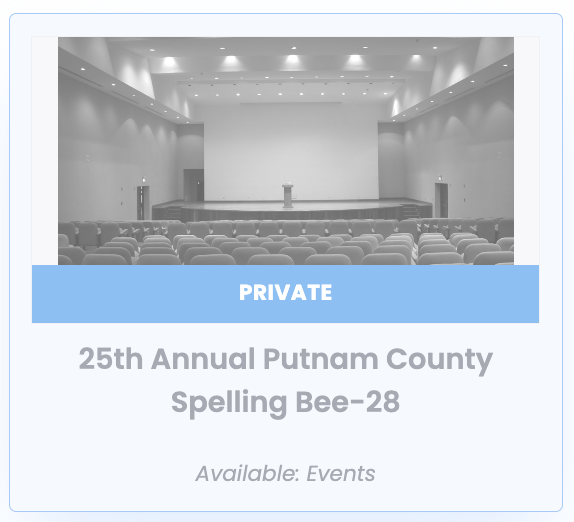
If an Upsell is set to PRIVATE or SOLD OUT, it will appear faded with a notation as below the Cart Sort Order. If it's CLOSED or INACTIVE, it will not show up in the cart sort order screen at all.