Exchanging Tickets in a Package
⏱︎ 1 minute
If a ticket was booked via a package, it's exchange must be done within the package itself.
2. Scroll down and click the REDEEM PACKAGE to take you to the event list for redemption.
3. Find the event whose selection you would like to exchange.
4. Click the UNREDEEM button next to that event.
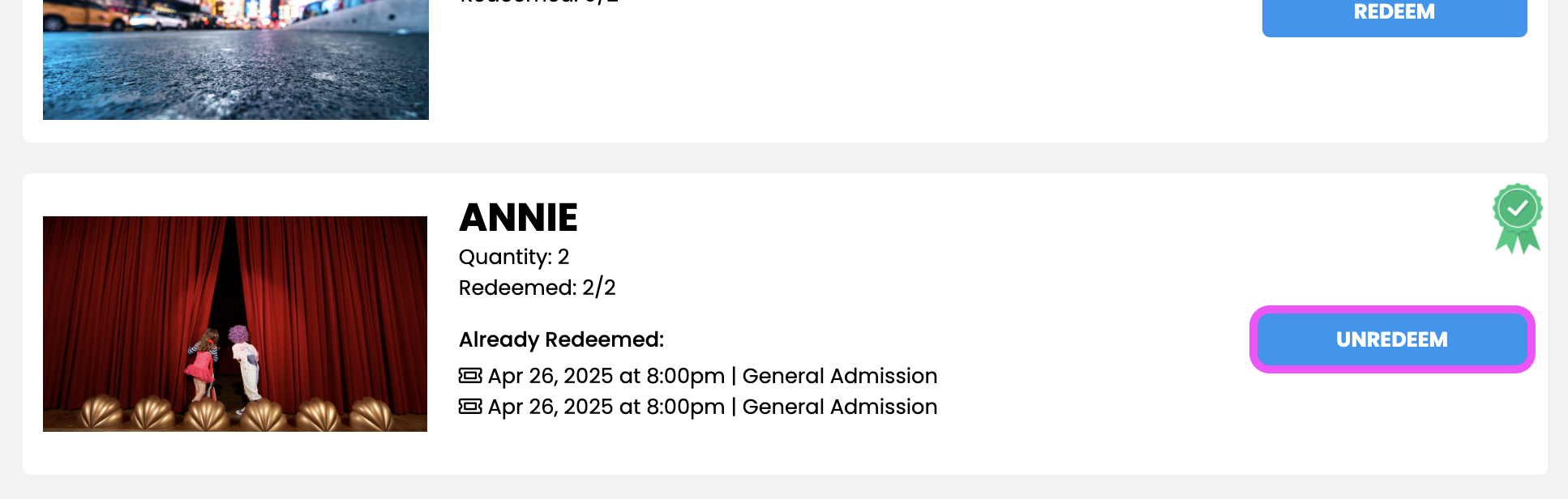
5. Select the ticket(s) you wish to exchange and click UNREDEEM.
6. Click REDEEM and follow the prompts to select the new date and time.