Customer Event Reminders
⏱︎ 30 seconds
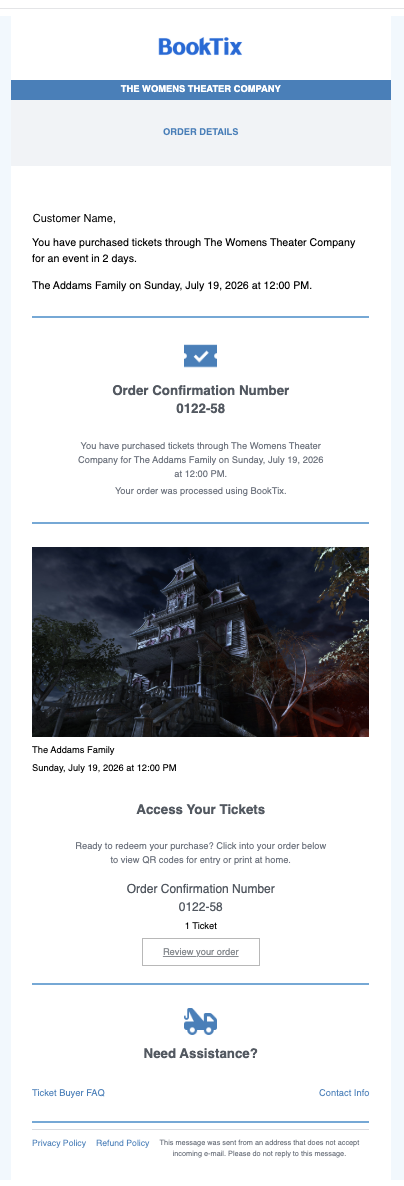
Customers will receive an email reminder 60 hours prior to an event.
This email will go to all ticket holders, including those with an independent ticket purchase and those who booked a ticket through their package for that specific event date.
Disabling the Customer Reminder
If you wish to disable the customer reminder, you can do so from the admin portal.
- Navigate to your Organization Dashboard by clicking the gear top right:
- On the left side menu under Organization Settings, click Profile & Settings.
- Scroll down to the question "Automatic Performance Reminder Emails", and toggle the switch to off/gray.
Customer Reminder Sample Email
Below is a sample of the email the customer will receive.